Support
Questions, a bug, or an idea? Email balatechnologiesllc@gmail.com. It helps to include your iPhone model and iOS version.
How to play
- Flick up from the lane at the bottom of the screen. The ball crosses the crease and climbs the ramp. You can also touch and hold Roll, then let go: the longer you hold, the harder the roll.
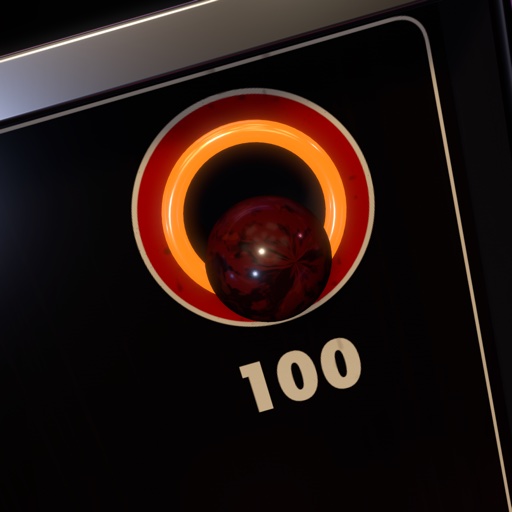
- A ball that slows down over a hole drops in. Higher holes score more, and the 100s sit in the top corners.
- You get nine balls a game. Your best score is kept on your phone.
The slope
- iPhone Duo: set the phone on a table with the bottom half flat, like a laptop. The flat half is the lane and the raised half is the ramp. Stand the lid up for a steeper ramp: harder rolls and a bigger score multiplier. The slope locks while a ball is rolling.
- Other iPhones, or if you'd rather not use the hinge: drag the slope slider. On iPhone Duo you can switch to the slider in Settings.
Common questions
- There's no sound. Sound follows the Ring/Silent switch, and can be turned off in Settings → Sound effects.
- How do I reset my best score? Settings → Reset best score.
- The slope doesn't follow the hinge. Open Settings and check Slope control is set to Hinge. Fold slowly; the slope eases to the new angle.
- Which iPhones are supported? Any iPhone with iOS 18 or later. The hinge controls need iPhone Duo.